Nike, Inc. - Gemini BOM Platform
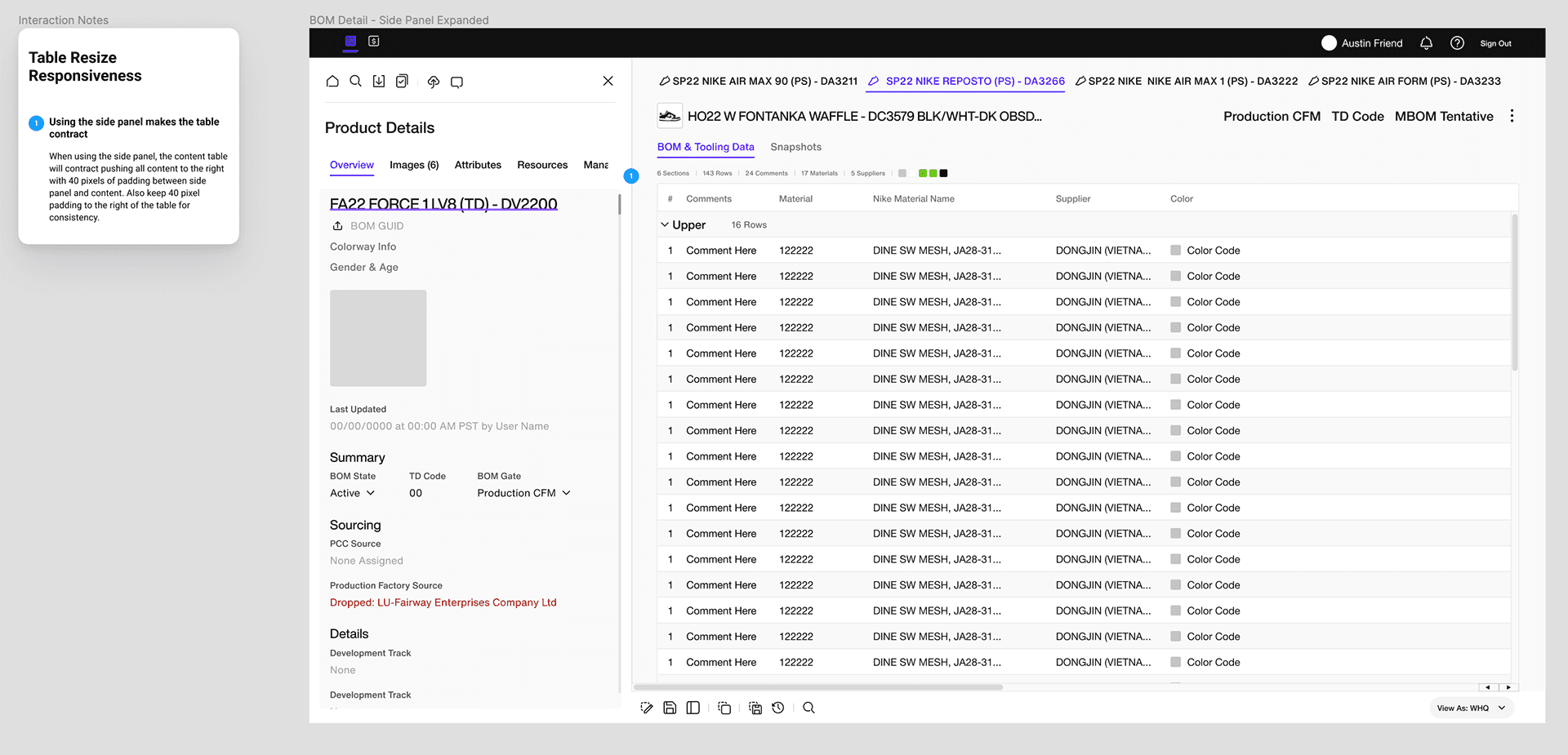
Gemini BOM is an internal Nike platform built to modernize how Footwear Technical Developers manage Bills of Materials — streamlining the line-by-line material specifications that drive shoe ordering and production at partner factories overseas.
problem
Nike's Footwear Technical Developers relied on fragmented, manual processes to communicate component-level material specifications to overseas manufacturing partners — creating costly misalignments, delays, and no single source of truth across global teams. Gemini was designed to solve this. A living, line-by-line digital Bill of Materials, it gave Technical Developers a centralized platform to manage, communicate, and align footwear specifications with factory partners in real time — replacing static documents with a dynamic system built for the pace and precision of global footwear production.
solution
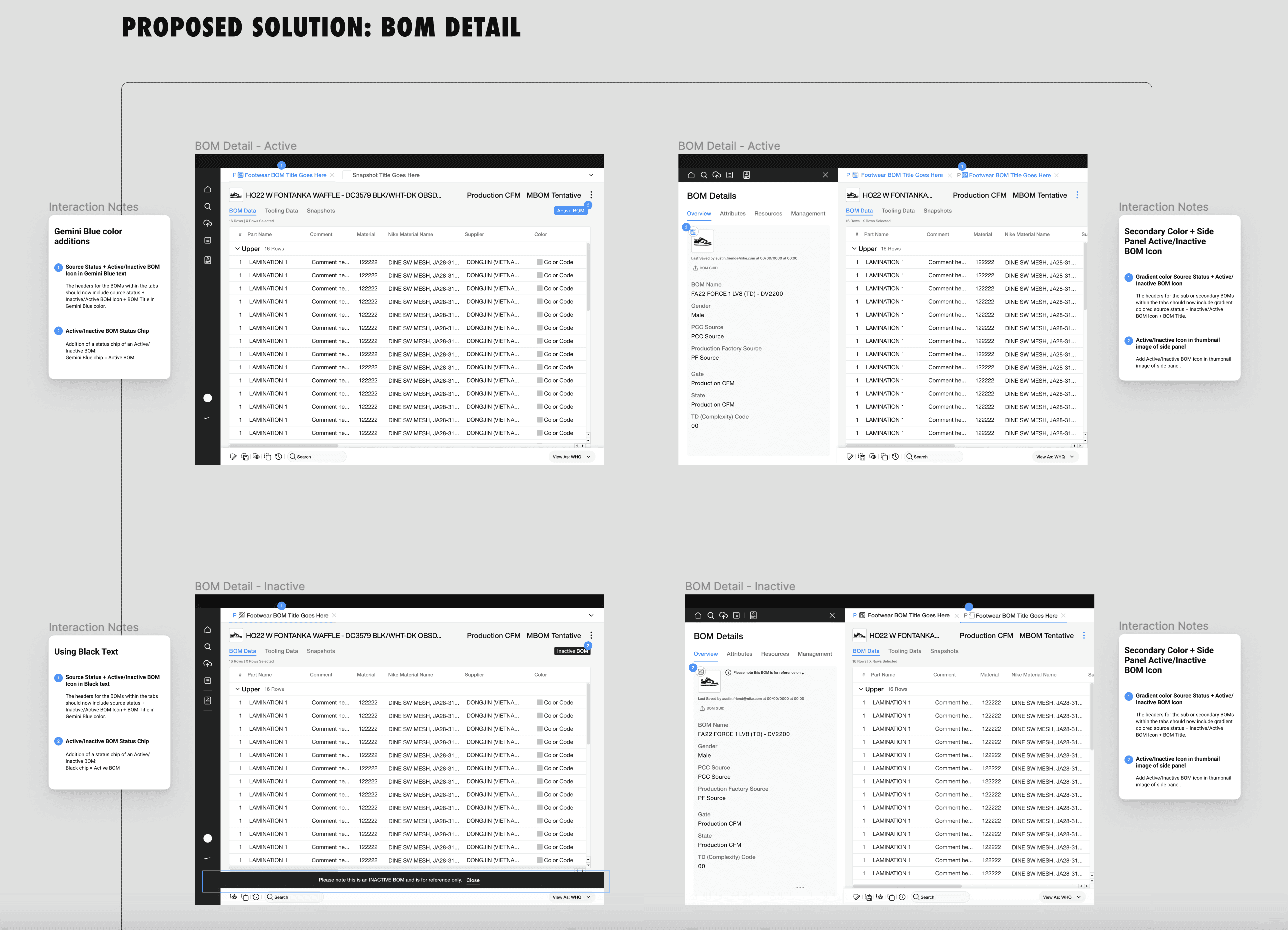
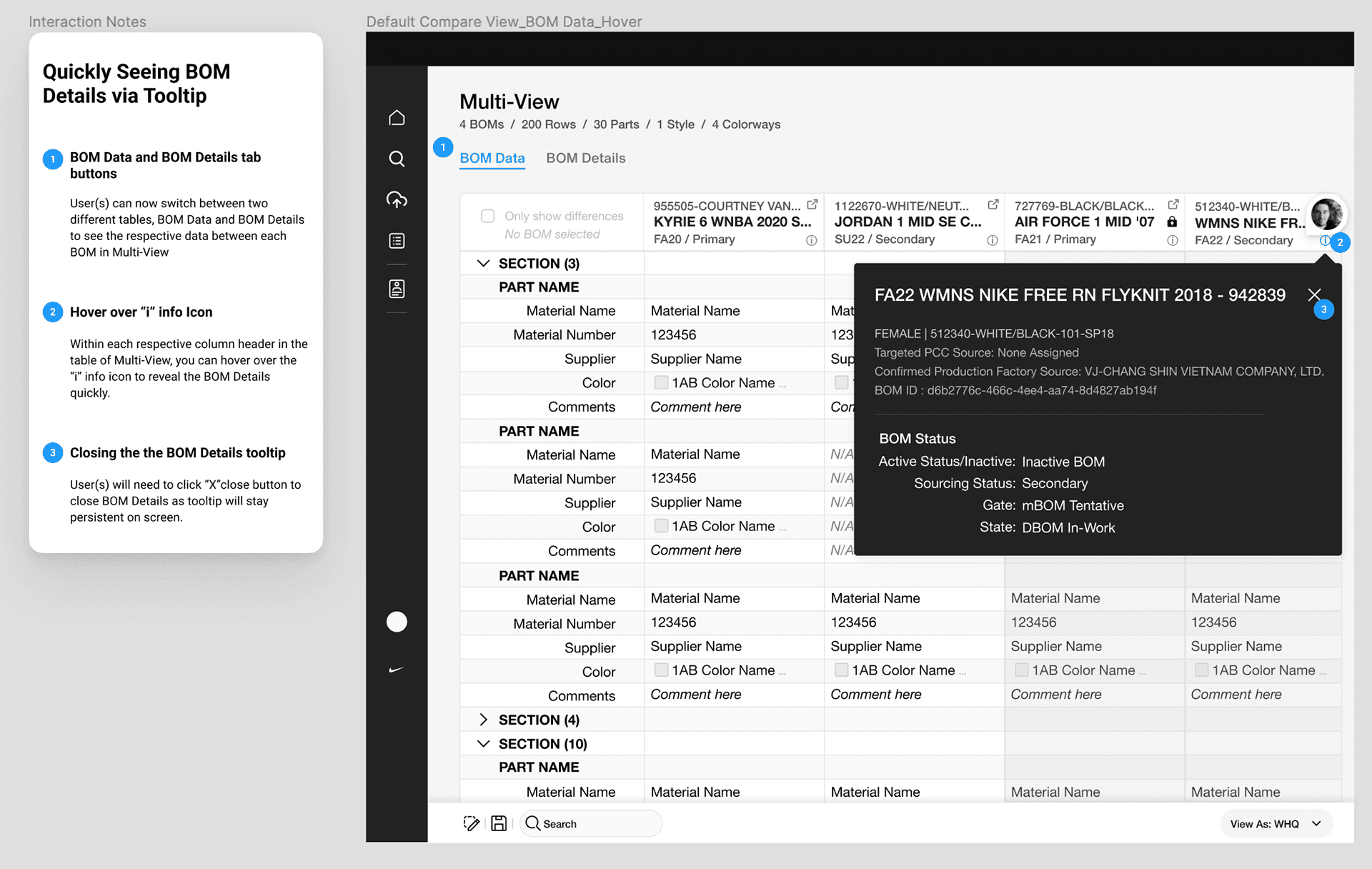
To modernize Nike's footwear material management process, I contributed to the design of Gemini BOM — a centralized internal platform that gave Footwear Technical Developers a single, intuitive tool to input and manage Bills of Materials. By replacing fragmented workflows with a visually refined, easier-to-use experience, Gemini BOM streamlined the material specification process and improved efficiency across shoe ordering and production with partner factories overseas.
year
2023-2024
timeframe
1 Year
tools
Miro, Figma, Axure
category
UI/UX
JOINING THE GEMINI – BOM TEAM
I joined the Gemini BOM App team following the V1 launch, inheriting an established foundation of prior research, design, and testing. From there, I led new end-user research, designed additional features, and drove ongoing support and optimization of the tool.
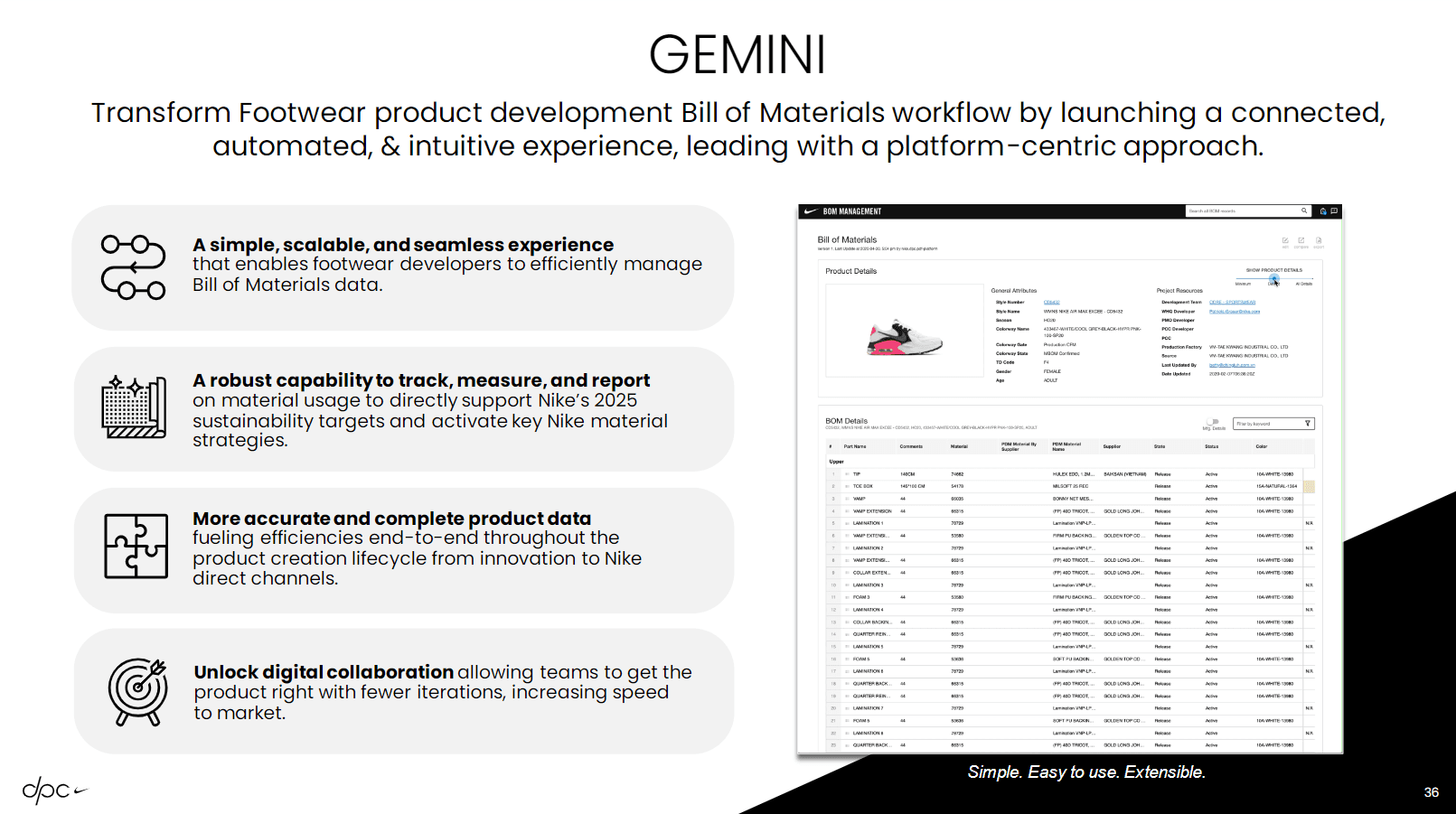
Gemini BOM is an internal platform built for Nike's Footwear Technical Developers to manage Bills of Materials — the line-by-line material specifications that drive shoe ordering and production at partner factories overseas. The platform was designed to modernize a previously cumbersome process, giving developers a more intuitive and visually refined tool to input and manage materials with greater ease and efficiency.
00
01
02
03